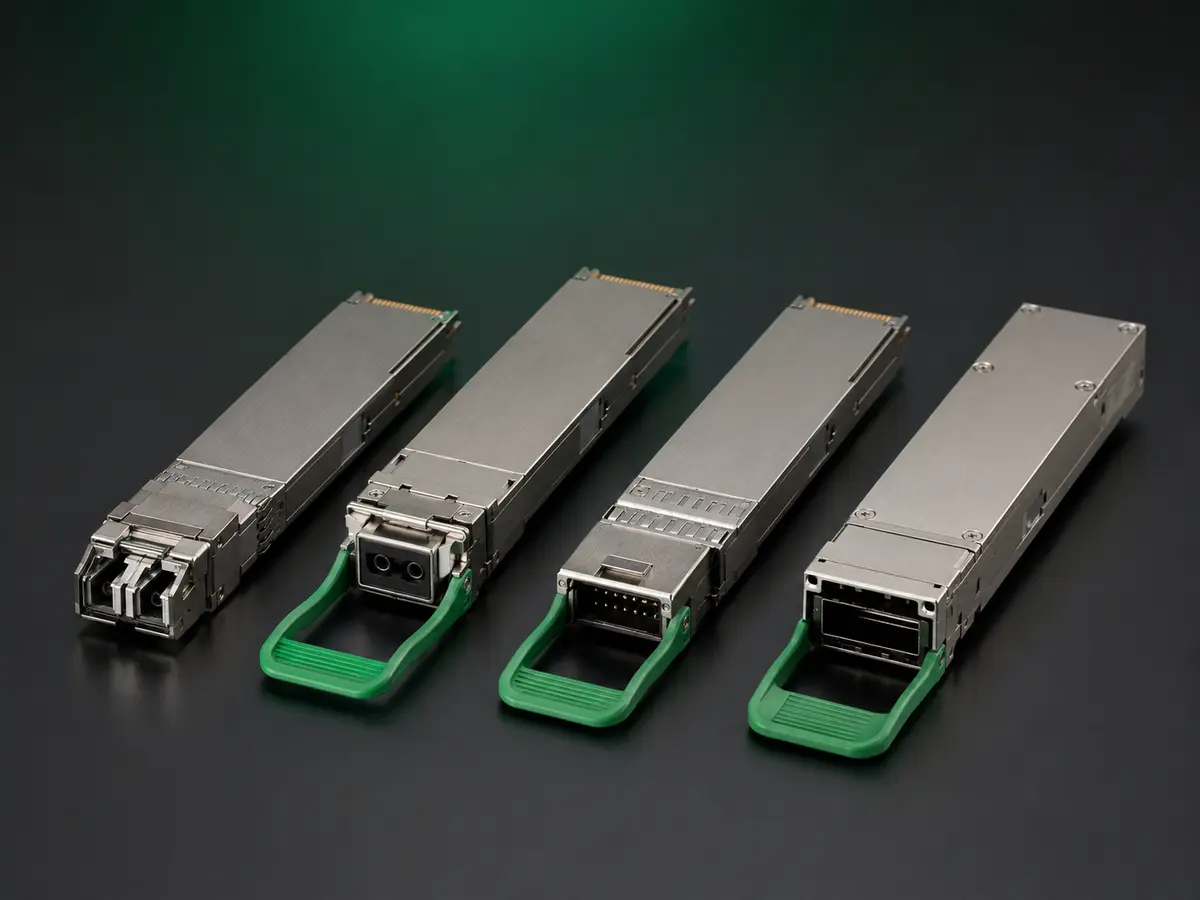
200G troubleshooting should isolate host recognition, PAM4 electrical lanes, FEC, optical architecture, fibre, temperature and module hardware one variable at a time. Replacing everything together may restore traffic but leaves the real cause unknown.
Preserve the failed state before resets, reprogramming or rework.
Describe the exact symptom
Record unsupported-module warning, no link, intermittent link, packet loss, high FEC, lane alarm, low receive power or temperature event.
Add host, port, software, time and module serials.
Freeze the configuration
Capture module architecture, hardware, firmware, coding, FEC, fibre and peer settings. Photograph labels.
Use a change log for every troubleshooting step.
Check recognition
Read EEPROM, firmware and host warnings. Compare vendor fields and compliance codes with the approved profile.
Record any command needed to enable third-party optics.
Verify electrical lane mode
Confirm four-lane 50G PAM4 operation and the intended port or breakout mode at both endpoints.
Check for mismatched lane configuration before replacing hardware.
Inspect FEC
Clear and capture corrected and uncorrected counters under traffic. Compare both ends with the design.
A rapidly rising corrected count can expose marginal operation before link loss.
Inspect fibre and connectors
Clean interfaces and verify fibre type, MPO polarity, lane mapping or duplex route loss. Use a known-good reference assembly.
Change only the cable while keeping ports and modules fixed.
Read diagnostics
Capture temperature, voltage, bias and lane optical powers at both ends. Look for asymmetry, frozen values and alarm thresholds.
Compare with a known-good baseline on the same host.
Use controlled substitution
Move the suspect module to a known-good port, then place a known-good module in the original port. Repeat with fibre and peer one at a time.
Restore the original state to confirm the finding.
Run sustained traffic
Monitor packet loss, FEC, lane alarms and flaps during full-rate bidirectional load. Record frame mix and duration.
A stable link light is not proof of error-free service.
Check breakout behaviour
Test each branch, peer and mapping separately. Determine whether one branch failure affects the others.
Record cable identity and port configuration.
Challenge thermals
Compare cold start, warmed operation and representative adjacent-port density. Review chassis airflow and power.
Thermal findings should reference the ordered temperature grade.
Exercise recovery
Test reboot, reinsertion, fibre removal and port shutdown. Record recovery time and manual commands.
Intermittent recovery may indicate firmware or timing integration.
Preserve failed units
Quarantine affected serials and retain raw output before power cycles or rework. Record handling and environment.
Do not return suspect units to saleable stock without disposition.
Classify root cause
Use hardware, coding, host software, lane mode, FEC, fibre, contamination, thermal or no-fault-found categories.
State evidence and affected production boundary.
Contain and retest
Identify related lots through hardware, firmware and serial traceability. Rerun the failed step plus relevant regression tests.
MingApex can link corrective action and repeat-order controls to the affected 200G configuration.
TECHNICAL RFQ
Turn your part number or project list into a reviewed quotation.
Share the available technical data. MingApex will structure the requirement, identify open compatibility questions and coordinate the supply review in China.
- Host platform or reference part number
- Speed, form factor and required reach
- Wavelength, fibre and connector
- Quantity, sample and delivery target
- OEM label or packaging requirement
- Destination country and Incoterm